XFlow Charts vs Quantower: Order Flow Platforms Compared (2026)
Quantower suits Windows traders who want a free live terminal and pay-per-module tools. XFlow Charts puts every tool in one plan on Mac, mobile and web.
 XFlow Team·7 min read·
Choose Quantower if you trade on Windows, want a free terminal that takes a live data connection, or need one of its 60+ broker and data connections; you add paid Orderflow tools one by one, in prepaid periods with no auto-renewal. Choose XFlow Charts (xflowcharts.com) if you want footprint, heatmap, MBO tools, replay and journal in one plan that also runs on a Mac, a phone, a tablet or in the browser, at $59/month or $47/month on the yearly plan, with no free tier or trial.
XFlow Charts is our own product. Every Quantower fact below comes from quantower.com and its help site as of 21 October 2026.
At a glance
| Feature | XFlow Charts | Quantower |
|---|---|---|
| Price | $59/month, $159 per 3 months, $564/year ($47/month) | All-in-One $70 for 1 month, $189 for 3, $336 for 6, $588 for a year ($49/month); Multi-Asset $50/month; single extensions from $20/month |
| Cheapest plan with live futures data | The single plan | Free version (one active connection); footprint from the Volume Analysis extension, $35/month |
| Free tier | None | Yes, no time limit: one connection, two indicators per chart, no footprint, DOM Surface or Market Replay |
| Free trial | None | 7 days of All-in-One after registering |
| One-time licence | Not offered on xflowcharts.com | Lifetime licences from $490 for one extension; All-in-One $1,690 |
| Runs on | Windows and Mac apps, iPhone, iPad, Android, browser | Windows 10/11, 64-bit; the vendor states Windows only |
| Data connections | Your own dxFeed subscription; Rithmic | 60+, incl. Rithmic, CQG (AMP), dxFeed, Interactive Brokers, IQFeed, CTS |
| Footprint | Yes | Cluster chart in the Volume Analysis extension or a package |
| Liquidity heatmap | Order book heatmap and tick heatmap | DOM Surface: All-in-One or a $30/month extension; not in Multi-Asset |
| Market by Order (MBO) | Icebergs, MBO Big Trades, per-order depth ladder; need Market Depth on dxFeed | MBO mode in DOM Trader on Rithmic and CQG |
| Replay and backtesting | Replay 1x to 200x; tick-level backtesting of footprint, heatmap and ladder | Market Replay with tick, 1-minute or daily data (not in the free version); Backtest & Optimize panel for coded strategies |
| Journal | Automatic journal and strategy performance report | Account performance panel with trade statistics |
| Risk rules | Loss limits, drawdown floors, daily profit stops, quantity caps | Risk Management panel (beta): day and open profit/loss limits, account balance and equity floors, order and position size caps, trading hours, auto-flatten |
| Order routing and prop firms | Rithmic; prop accounts on Rithmic connect with their credentials | Broker-neutral, 60+ brokers and feeds; prop firms incl. Topstep, Apex Trader Funding, Bulenox, Earn2Trade and ProjectX-based firms |
Price: modules or one plan
Quantower starts free and charges per feature. The free version allows one active connection, whether a broker, a prop firm or a data feed, with DOM Trader, Time & Sales and chart trading. For Orderflow you add extensions: Volume Analysis (cluster chart, volume profiles and time statistics) is $35/month, the DOM Surface heatmap $30/month and Power Trades $25/month. All-in-One bundles every feature for $70 a month or $588 a year ($49/month); Multi-Asset, at $50 a month, leaves out TPO, DOM Surface and Power Trades. Licences are prepaid with no auto-renewal, and one paid licence runs on one computer at a time.
XFlow Charts has one plan with every feature, at $59 a month, $159 for 3 months or $564 a year ($47/month). It has no free version and no trial, so Quantower is the cheaper way to start, and its Volume Analysis extension alone costs less per month than XFlow Charts. With the heatmap, Power Trades and Market Replay as well, Quantower All-in-One costs $70 for a month or $588 for a year, against $59 and $564 for XFlow Charts. Both need a separate market data subscription.
Platforms and devices
Quantower's FAQ states the terminal is only available for Windows OS, and the download is for Windows 10/11, 64-bit. For a Mac it suggests Parallels, VirtualBox or VMware Fusion without guaranteeing stability, and says its developers are planning a Mac version. We found no browser or mobile version on Quantower's sites.
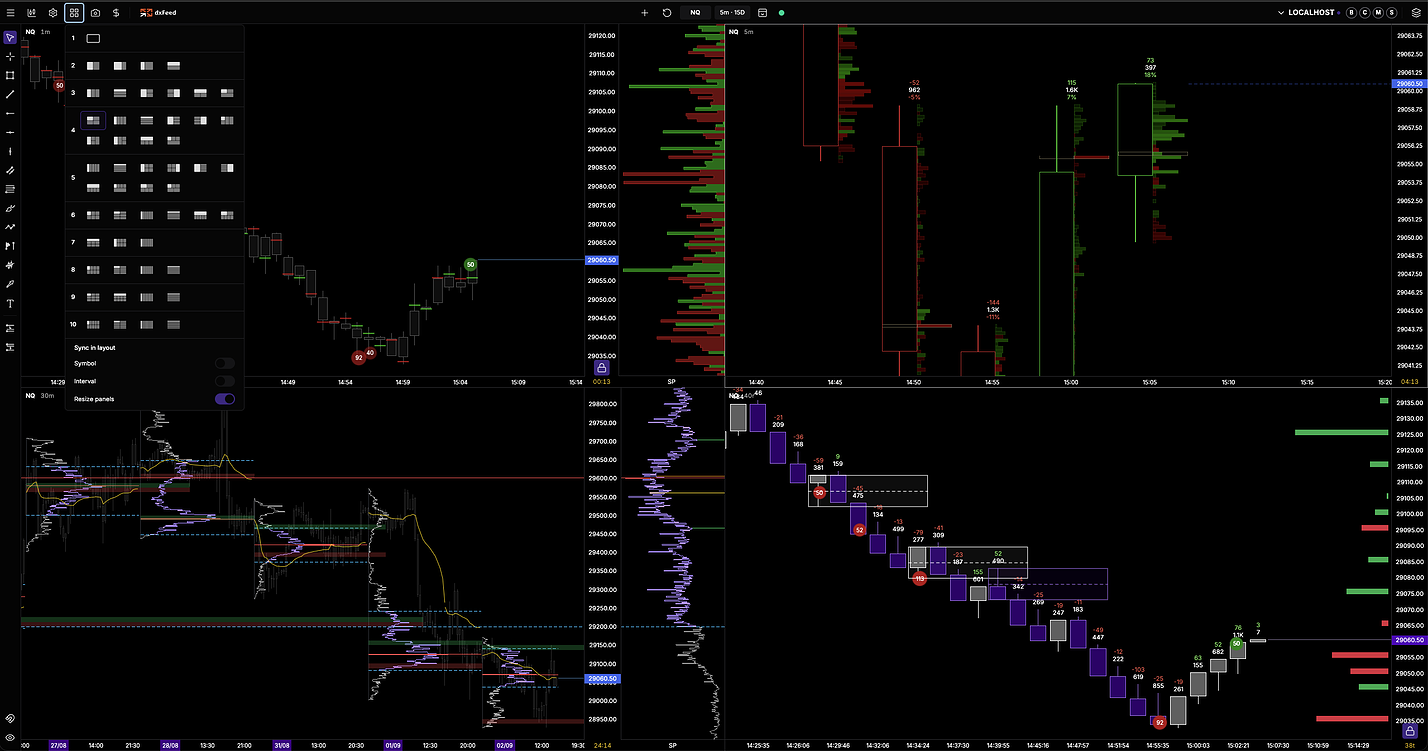
XFlow Charts runs as a desktop app on Windows and Mac, as an app on iPhone, iPad and Android, and in the browser. Templates and workspaces are saved on the account, so the same layout reopens on any device.
Data and connections
Quantower lists more than 60 brokers, exchanges and data feeds, from Rithmic, CQG through AMP and dxFeed to Interactive Brokers, IQFeed, CTS and ProjectX. With some connections, AMP and Optimus Futures among them (through their own editions of the platform), all paid features are free. A new install includes a simulated dxFeed connection with a 24-hour delay, for exploring.
XFlow Charts connects to your own dxFeed subscription for chart data, replay and backtesting, and to Rithmic for orders, positions and accounts, which can also supply live and historical data. If you trade through CQG, Interactive Brokers or a ProjectX prop firm, Quantower supports it and XFlow Charts does not list it.
Orderflow tools
Quantower's cluster chart, volume profiles and historical time and sales come with Volume Analysis; the DOM Surface heatmap, Power Trades, which detects the execution of a large number of orders in a very short time, and the TPO chart are in All-in-One or sold separately. Cumulative delta is available as an indicator. DOM Trader is free and shows Market by Order data on Rithmic and CQG.
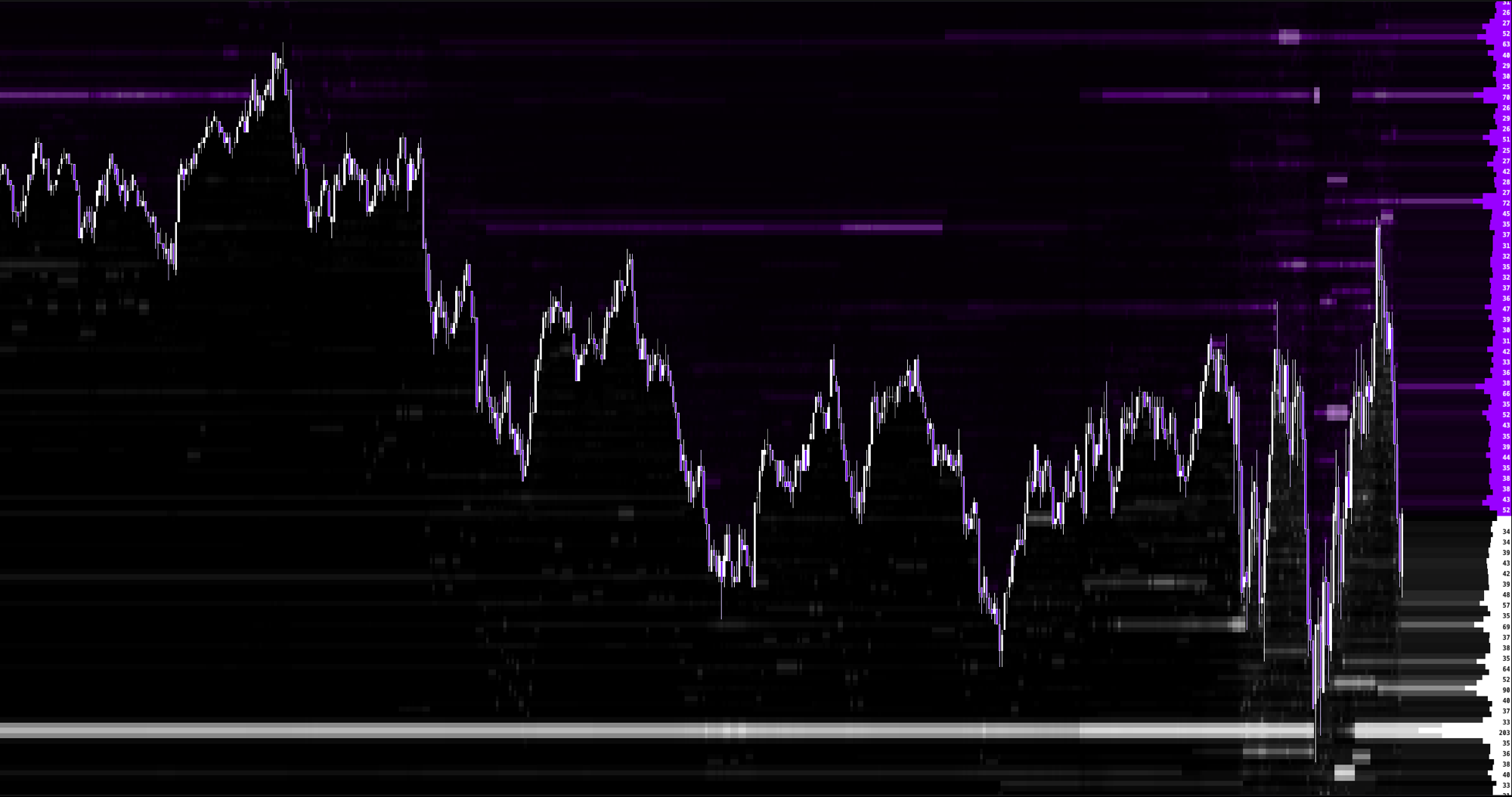
XFlow Charts includes Footprint, the order book heatmap and a tick heatmap, volume profiles, Big Trades, Effort Zones, cumulative delta, speed of tape and an advanced DOM with pull and stack in one plan. With Market Depth on your dxFeed subscription it adds MBO icebergs, MBO Big Trades and a per-order depth ladder, and with your own GEXBot key it draws GEX levels, a gamma heatmap and a GEX profile. XFScript lets you write your own indicators.
Replay, backtesting and journal
Quantower's Market Replay plays back tick, 1-minute or daily data and is not in the free version; the help pages we read do not say whether order book history is replayed. Coded strategies can be tested in its Backtest & Optimize panel. Trade statistics are collected in the Account performance panel.
XFlow Charts replays a session from 1x to 200x on a simulated account, and its tick-level backtesting replays the footprint, heatmap and depth ladder together from the recorded order book. Closed trades post themselves to the journal, and a strategy performance report adds trade, period and Monte Carlo analysis.
Trading and prop firms
Quantower is broker-neutral and lists Topstep, Apex Trader Funding, Bulenox, Earn2Trade, Take Profit Trader and other prop firms, plus firms that run on ProjectX. Its Risk Management panel, still in beta, sets day and open profit and loss limits, minimum and maximum account balance and equity, maximum order and position sizes and allowed trading hours per account or connection, and can flatten positions when a limit is hit.
XFlow Charts routes orders through Rithmic, so a prop account on Rithmic connects with its Rithmic credentials. Orders are placed, moved and cancelled on the chart or the ladder with OCO brackets, risk rules cover loss limits, drawdown floors, daily profit stops and quantity caps, and prop firm tools mirror a prop account's drawdown, target and payout rules.
Choose Quantower if…
You trade on Windows and want a free terminal with a live connection. You want to pay only for the tools you use, in prepaid periods without auto-renewal, or buy a lifetime licence. Your broker, data feed or prop firm is one of its 60+ connections that XFlow Charts does not list, such as CQG, Interactive Brokers or ProjectX. You want to try everything for 7 days first.
Choose XFlow Charts if…
You use a Mac, or want the same layout on a phone, a tablet or in the browser. You want footprint, heatmap, MBO tools, replay, the journal and risk rules in one plan, at $59/month or $47/month on the yearly plan. Your data comes from dxFeed, or your broker or prop firm uses Rithmic. You do not need a free tier or a trial.